Feb 27, 2016

Feb 26, 2016

ဆရာၿဖိဳးညီညီရဲ႕ အစြမ္းထက္တဲ့ Ghost Push Trojan Killer Pro v2.2 ေလးပါ
———————————————————-
– WiFi, Mobile Data Auto ပြင့္ေနျခင္း။
– Software မ်ား Auto Download ဆြဲျခင္း/ Auto Install လုပ္ျခင္း
– အသံုးျပဳရ အဆင္မေျပရေလာက္ ဖုန္းေလးလံျခင္း/ ဟန္းျခင္း။
– မၾကာခဏ restart က်ျခင္း
– အလြန္အမင္း Battery အကုန္ျမန္ျခင္း
– ဖုန္းတြင္ Force Close, Has Stopped စသည့္ Error Box မ်ား တက္ျခင္း
စသည့္ ျပႆနာမ်ား ျဖစ္ေပၚေနျပီဆုိပါက ကြ်န္ေတာ္တုိ႕ရဲ႕ MPPG (Ghost Push Trojan Killer- Pro) ကို အသံုးျပဳ ႏုိင္ပါတယ္။
အသံုးျပဳရန္လိုအပ္ခ်က္
————————–
Computer တြင္ .net framework 4.5 ရွိရန္လိုအပ္ျခင္း
ဖုန္းမွာ Root ေဖာက္ထားရန္ လိုအပ္ျခင္း
* MPPG Ghost Push Trojan Killer- Pro ကို Download ရယူပါ။
* Software ကို run ပါ။
* အေပၚ Menu ထဲမွ Auto Killer ကို ႏွိပ္ပါ။
* Virus Scanner ကို ႏွိပ္ပါ။
* ဖုန္းအတြင္း Virus မ်ားရွိမရွိ စစ္ေဆးေနပါလိမ့္မယ္။ ျပီးေနာက္ Virus ရွိပါ က
* Virus Killer ကို ႏွိပ္ျပီး Virus မ်ားကို ရွင္းလင္းလိုက္ပါ။
* Done လို႕ ေပၚျပီး ဖုန္း Restart က်သြားရင္ ရပါျပီ။
ယခင္ ဘားရွင္းမွာ Cleaning Virus မွာ ၾကာေနတဲ႔ ျပႆနာ ကို ရွင္းလင္းေပးထားပါတယ္။
Virus Packages အသစ္ေတြ ထပ္တိုးေပးထားပါတယ္။
Firmware မက်ေအာင္-
Wifi မ်ပ်က္ေအာင္ ေသခ်ာစီစဥ္ေပးထားပါတယ္
1. ယခု Application ကို Window OS ေပၚတြင္သာ အသံုးျပဳႏိုင္သည္။
2. အသံုးျပဳမည္႔ Window PC တြင္ Miscrosoft Dot Net Framework 4.5 Install ျပဳလုပ္ထားရမည္။
https://www.microsoft.com/en-us/download/details.aspx…
3. Application ကို Run As Adminstrator ျဖင္႔သာ အသံုးျပဳရမည္။
4. Virus သတ္လိုေသာ device ကို Root ေဖါက္ထားရမည္ ။
Tool မွ root access ရေၾကာင္းျပေသာ္လည္း system R/W မရလွ်င္ Virus သတ္လို႔မရပါ။
မွတ္ခ်က္
————-
– Firmware က်ျခင္း/ စက္ပ်က္ျခင္း စသည့္ ေဘးထြက္ဆုိးက်ိဳးမ်ား လံုးဝ မရွိပါ။
-Virus အရမ္းမ်ားေနရင္ Software ကို ၂ ခါေလာက္ run ေပးပါ။
– ၂ ခါ ေလာက္ run ျကည့္ျပီးမွ Virus မေသလွ်င္ ေနာက္ထြက္သည့္ Update ကို ေစာင့္ပါ။ (သို႕) Firmware သာ ျပန္တင္ပါ။
– Virus Update မ်ား မၾကာခဏ ထြက္ရွိျခင္းေၾကာင့္ ယခု Software ကို ၁ဝ ရက္အတြင္းသာ အသံုးျပဳႏိုင္ပါမယ္။ ေနာက္ ၁ဝ ရက္ေနရင္ Update Version တင္ေပးပါမယ္။
Ghost Push Trojan Killer PRO v 2.1 >> Click Here To Download
credit : http://www.mppgmyanmar.com/2016/02/24/ghost-push-trojan-killer-pro-v-2-1-mppg/

Phicomm fws710 version 2.3.7 Firmware ေလးပါ
fws710 က Model ႏွစ္မ်ိဳးလာပါတယ္
Android Version 2.3.7 နဲ႔ 4.0.4 ဆိုၿပီးေတာ့ပါ့
ဒီ Firmware ေလးကေတာ့ 2.3.7 အတြက္
စမ္းတင္ထားၿပီးသားပါ အဆင္ေျပပါတယ္
ေအာက္မွာေဒါင္းႏိုင္ပါတယ္
Phicomm Firmware Upgrade လုပ္နည္းေလးပါ
- Download the file zip file and copy it to the micro SD card that comes with the phone.
- Power off the smartphone device and insert the micro SD card (with the firmware zip file) back to the phone.
- Press Volume “+” button and “Power” button simultaneously until you see the Android system recovery screen as seen below.

(Note: For illustration purposes. Screen may differ slightly in different phone model) - Use the volume “+” or “-“ button to select “apply update from sdcard” option,and press the power button to confirm selection.
- Select zip file and press the power button to install the firmware.

(Note: For illustration purposes. Screen may differ slightly in different phone model) - During the upgrade process, you should see the following screen.

(Note: For illustration purposes. Screen may differ slightly in different phone model) - Once completed, you should see the following screen indicating that the upgrade is successful with the message “Install from sdcard complete”.
Upon completion, the smartphone device will reboot by itself (some
phone models may reboot a few of times to complete the installation) .

(Note: For illustration purposes. Screen may differ slightly in different phone model)

Feb 24, 2016

Feb 23, 2016


Miracle Box Crack Latest Version 2.27a ကို crack ၿပီး box မပါဘဲသံုးဖို႔ပါ
google မွာလဲရွာေဒါင္းလို႔ရပါတယ္ Link ပ်က္ေနတာေတြမ်ားလို႔ ျပန္တင္ေပးထားတာပါ
google မွာလဲရွာေဒါင္းလို႔ရပါတယ္ Link ပ်က္ေနတာေတြမ်ားလို႔ ျပန္တင္ေပးထားတာပါ
ေဒါင္းထားၿပီးသားကို Extract လုပ္လိုက္ပါ အဲ့ထဲက
Miracle_Loader_2.27A ကိုပဲ Run ပါ..
Crack ျဖစ္တဲ့အတြက္ Link ေတြပ်က္သြားႏိုင္ပါတယ္
ျမန္ျမန္ေဒါငး္ထားၾကပါ
Password - miracle
Password - miracle
Feb 22, 2016

Coolpad Download Assistant နဲ႔တင္ရမွာျဖစ္ပါတယ္ Firmware နဲ႔ Tool ေလးကိုေတာ့ ေအာက္မွာေဒါင္းလုိက္ပါ
ေဒါင္းလုိ႔ရတဲ့ Coolpad Download Assistant ကို Install လုပ္လိုက္ပါ
ၿပီးရင္ေတာ့

အနီနဲ႔၀ိုင္းထားတာေလးကိုႏွိပ္လုိက္ပါ
ေဒါင္းထားတဲ့ Firmware ေလးကိုေရြးေပးလုိက္ပါ

ေရြးၿပီးၿပီဆိုရင္ေတာ့ အနီနဲ႔၀ိုင္းထားတာေလးကိုထပ္ႏွိပ္ပါ
ၿပီးရင္ေတာ့ ေအာက္ကပံုလို 100% ျပည့္တဲ့အထိ ေစာင့္ပါ

100% ျပည္သြားရင္ေတာ့
Vol Down.+Vol Plus + Power Key သံုးခုကိုၿပိဳင္တူႏွိပ္လိုက္ပါ
ၿပီးရင္ေတာ့Firmware သူ႔ဘာသာတင္သြားပါလိမ့္မယ္
ေအာက္ကလိုပံုေလးေပၚလာရင္ေတာ့ Firmware တင္တာေအာင္ျမင္ပါၿပီ

Firmware --->>> Click Here To Download Firmware <<<
Feb 20, 2016


Feb 15, 2016

COC Aio Tool (COC နွင့္ပတ္သက္တာ အကုုန္လုုပ္ေဆာင္နုုိင္ေသာ Android App )

COC AIO Tool application
——————————————-
ကြၽန္ေတာ္ ေရးခဲ့ဖူးတဲ့
Coc tool ေတြကို တစ္စုတည္းျဖစ္ေအာင္
စုေပါင္းၿပီး
coc all in one tool application ကိုေရးလိုက္တာပါ
apk ထဲမွာ
coc myanmar font ထည့္ဖို႔ရယ္
myanmar font ui ထည့္ဖို႔ရယ္
trap ေတြျမင္ရဖို႔ရယ္
ပါပါတယ္
အားလံုးတင္ၿပီးသြားရင္ေတာ့
Reboot button ကိုနွိပ္ၿပီး
reboot ခ်ေပးပါ
credit to all font developer
credit ကုိစုိင္းေမာင္
Ref : blog.regenerationmm.com
Reboot button ကိုနွိပ္ၿပီး
reboot ခ်ေပးပါ
credit to all font developer
credit ကုိစုိင္းေမာင္
Ref : blog.regenerationmm.com
>>> Click Here To Download <<<
wait 5 second ျပီးရင္ ေအာက္က SKIP THIS AD ေလးေပၚလာရင္သူ႔ကိုႏွိပ္လိုက္ပါ

wait 5 second ျပီးရင္ ေအာက္က SKIP THIS AD ေလးေပၚလာရင္သူ႔ကိုႏွိပ္လိုက္ပါ
Feb 14, 2016

ကၽြန္ေတာ္ေရးတဲ့ဒီပို႔စ္ေလးမွာလိုအပ္တာမ်ားရွိေနပါက ႀကိဳတင္ေတာင္းပန္ပါတယ္ခင္ဗ်ာ
ကဲ ပထမဆံုး ေအာက္ကဖိုင္ေလးေတြကိုေဒါင္းလုိက္ၾကေအာင္ဗ်ာ
Download Odin v4.42 With ops file (Click Here To Download)
Download Firmware (v2.3.6) offical (CLick Here To Download)
Firmware ဖိုင္က တစ္ဖိုင္ထဲပါခင္ဗ်ာ
သူတို႔ကိုေဒါင္းၿပီးရင္ေတာ့ Odin ဖိုင္ကို Extract လုပ္လုိက္ပါခင္ဗ်ာ
အဲ့ကေန ဖုိင္ႏွစ္ခုရလာပါလိမ့္မယ္
(၁)GIO_v1.0.ops and (၂) Odin_Multi_Downloader_v4.42 ဆိုတဲ့ ႏွစ္ခုပါ
ကဲ Firmware တင္မယ့္ဖုန္းကို Download mode ထဲ၀င္လုိက္ပါခင္ဗ်ာ (Power key + Vol down + Home Key)
တို႔ကိုအတူတြဲႏွိပ္ေပးလုိက္ပါ ဒါဆို Downloading.... ဆိုၿပီးအ၀ါေရာင္စာေသးေသးေလးေပၚလာပါမယ္
Odin_Multi_Downloader_v4.42 ကို Run ေပးလုိက္ပါခင္ဗ်ာ အဲ့ကေန ေအာက္ကပံုေလးအတိုင္းရရင္
အနီနဲ႔၀ိုင္းျပထားတဲ့ ops ကိုေလးကိုႏွိပ္ေပးလုိက္ၿပီး GIO_v1.0.opsကိုေရြးေပးလုိက္ပါခင္ဗ်ာ

Galaxy Gio-(s5660)-(2.3.6)-S5660XXKTT_S5660DBTKT3_DBT.Ger ကို ျဖည္လိုက္ပါ အဲ့ကေန S5660XXKTT_S5660XXKTA_S5660DBTKT3_HOME.tar.md5 ဆိုတဲ့နာမည္နဲ႔ Fileတစ္ခုထြက္လာပါလိမ့္မယ္ အဲ့ေကာင္ေလးကို ထည့္ေပးလုိက္ရံုပါပဲ ၿပီးရင္ေတာ့ Start ကိုႏွိပ္ေပးလုိက္ပါ (၅)မိနစ္ေလာက္ေတာ့ၾကာတယ္ေနာ္ စိတ္ရွည္ရွည္နဲ႔ေစာင့္ေပးလုိက္ပါ (USB ႀကိဳးကိုမျပဳတ္ေစဖို႔ အေရးႀကီးတယ္ေနာ္)
ၿပီးသြားၿပီဆိုရင္ေတာ့ သူ႕ဘာသာ Auto resert က်သြားပါလိ့မ္မယ္ခင္ဗ်ာ အားလံုးပီးသြားရင္ ေအာက္ကပံုလိုမ်ိဳးျဖစ္သြားမွာပါ ဒါဆို ခင္ဗ်ားတို႔ Firmware တင္တာေအာင္ျမင္သြားပါၿပီ

ကဲ ဒါဆိုအားလံုးနားလည္ေလာက္မွာပါ တကယ္လိုနားမလည္ေသးဘူးဆိုရင္ေတာ့ Video Tutorial ေလးပါထပ္တင္ေပးပါ့မယ္ခင္ဗ်ာ ကဲအားလံုးအဆင္ေျပပါေစခင္ဗ်ာ။
SEE THE Video TuTorial
IF I Have something worng I apologize to user
I'm Sorry about for my video resolution
Feb 13, 2016
 |
| Miracle Box 2.26 |
Miracle Box Crack Latest Version 2.26 ကို crack ၿပီး box မပါဘဲသံုးဖို႔ပါ
google မွာလဲရွာေဒါင္းလို႔ရပါတယ္ Link ပ်က္ေနတာေတြမ်ားလို႔ ျပန္တင္ေပးထားတာပါ
google မွာလဲရွာေဒါင္းလို႔ရပါတယ္ Link ပ်က္ေနတာေတြမ်ားလို႔ ျပန္တင္ေပးထားတာပါ
setup file နဲ႔ crack ဖိုင္ ၂ဖိုင္ကိုေဒါင္းပါ
setup ဖိုင္ကို install လုပ္ပါ
ၿပီးရင္ crack ဖိုင္ထဲက key နဲ႔ miracle box loader ကို
C/Program/Miracle ဖိုင္ထဲမွာ ထည့္ပီး
Loader .exe ကိုပဲ Run ပါ..
C/Program/Miracle ဖိုင္ထဲမွာ ထည့္ပီး
Loader .exe ကိုပဲ Run ပါ..
Crack ျဖစ္တဲ့အတြက္ Link ေတြပ်က္သြားႏိုင္ပါတယ္
ျမန္ျမန္ေဒါငး္ထားၾကပါ
Tutorial how to Run miracle 2.26
Password --->> miraclebox2.26


Feb 12, 2016
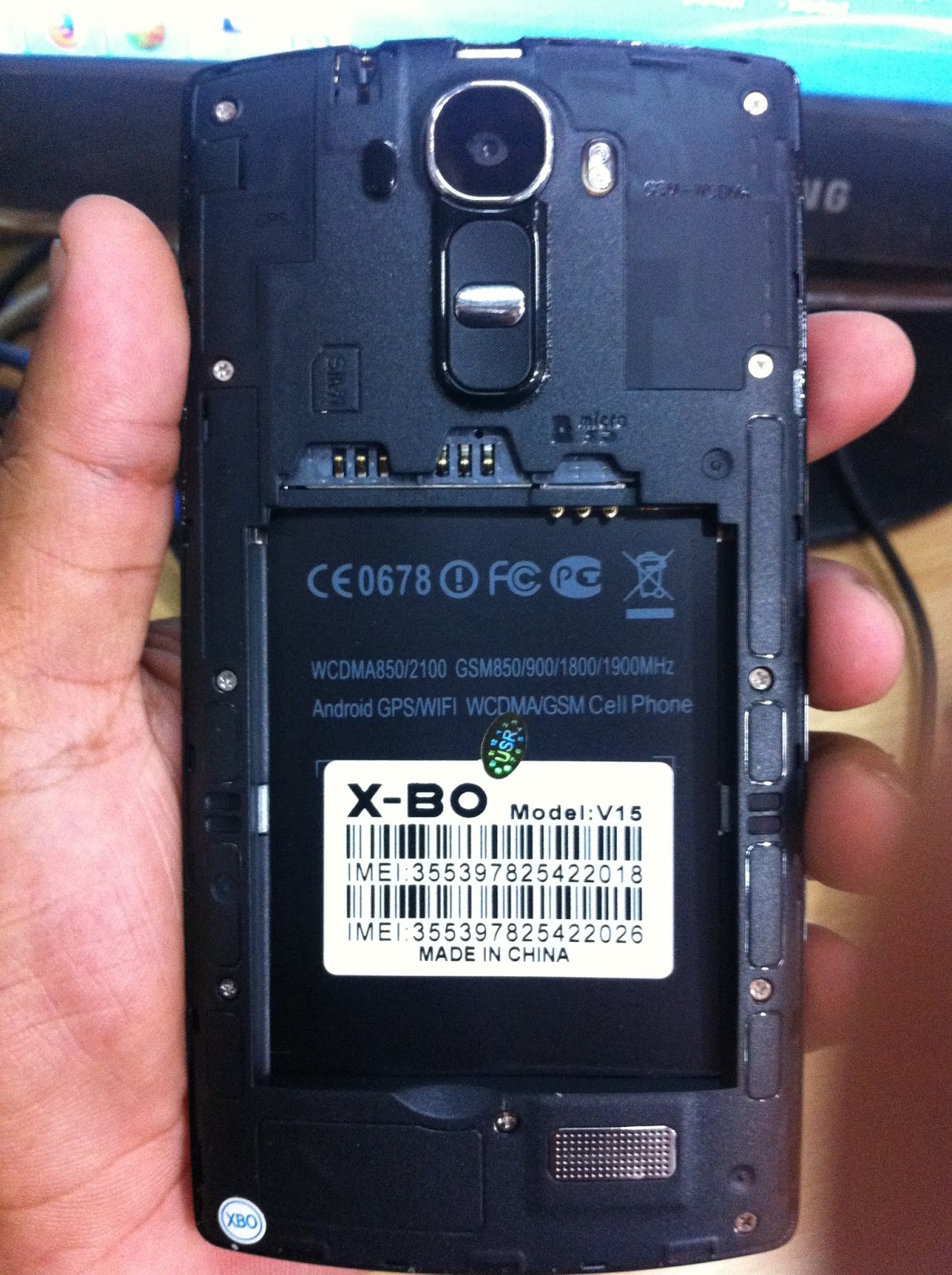


Hisense U936 Firmware
ေဒါင္းလို႔ရလာတဲ့ဖုိင္ကို u936.v1 ဆုိတဲ့ ဖိုင္ေရာက္တဲ့အထိ extract လုပ္လုိက္ပါ
ၿပီးရင္ အဲ့ဖိုင္ကို SD ကဒ္ထဲထည့္ၿပီး Power + Vol down & up ကိုတြဲႏွိပ္လိုက္ပါ
Reboot က်ၿပီးျပန္တက္လာရင္ေတာ့ Firmware တင္တာၿပီးပါၿပီ

>>> Click Here To Download <<< (332MB)

Subscribe to:
Comments
(
Atom
)


